
- Author
-
 Kym Eaton
The right POS does more than take orders. It keeps service moving on your busiest night, shows you what's selling, and gives your team tools they can pick up in a shift.
This guide walks through the POS features that matter most for Australian hospitality venues, from cafés and restaurants to pubs, bars and multi-site groups. Use it as a checklist when you compare systems, and you'll know exactly what to ask in every demo.

Start with how your venue runs
Before you look at feature lists, map out a normal day in your venue. Do guests order at the counter, at the table or both? How busy does the kitchen get? Do you run one site or several?
The answers tell you which features you'll use every shift and which are nice extras. A café counter, a fine dining restaurant and a busy front bar all need something different, so the best POS is the one that fits the way you already serve.
Ease of use and customisation
Simple screens your team can learn fast
Hospitality teams change often, so your POS should be easy to learn. Look for clear screens with popular items easy to find, so new staff can take orders confidently after a short induction.
Layouts, discounts and promotions set up your way
Your POS should fit your menu, not the other way around. With PowerEPOS, you can arrange touchscreen buttons around your best sellers and set up discounts, promotions and surcharges to suit your venue.
Good customisation also helps you sell more. Follow pages, variations and product notes prompt staff to offer sides, drinks and upgrades on every order. Our guide on how to use PowerEPOS to increase spend per head shows how to set them up.
Speed during service
Every second at the counter or bar adds up during a rush. Fast order entry and payment processing mean shorter queues, faster table turns and more guests served in the same shift.
When you're comparing systems, ask to see a full order go through, from order entry to the kitchen to payment. That tells you more about speed than any feature list.
Automated reporting
Live sales data helps you make better decisions, from staffing to menu pricing. Your POS should report automatically, so you're not building spreadsheets at the end of the night.
Every PowerEPOS bundle includes Insights Lite, with dashboards and snapshots on your phone. For in-depth reporting on your desktop, Sales Analyst breaks down sales by item, category, time and location.
Cloud-hybrid, cloud-only or on-premise?
How your POS stores data affects what happens when the internet drops. There are three main types of system, and each works differently.
| Cloud-only | On-premise | Cloud-hybrid | |
|---|---|---|---|
| Keeps processing orders if the internet drops | Usually not | Yes | Yes |
| Live reporting from anywhere | Yes | Limited | Yes |
| Software updates | Automatic | Often manual | Automatic |
| Where data is stored | In the cloud | On a local server | On the POS, synced to the cloud |
PowerEPOS is a cloud-hybrid POS. Data is stored locally on the POS, so if the internet drops, PowerEPOS keeps processing orders. When the connection is back, data syncs to the cloud and is ready for live reporting.
Updates are delivered automatically in the background, so you always have the latest features and security updates without booking an IT visit or scheduling downtime.
Hospitality-specific features
Table management
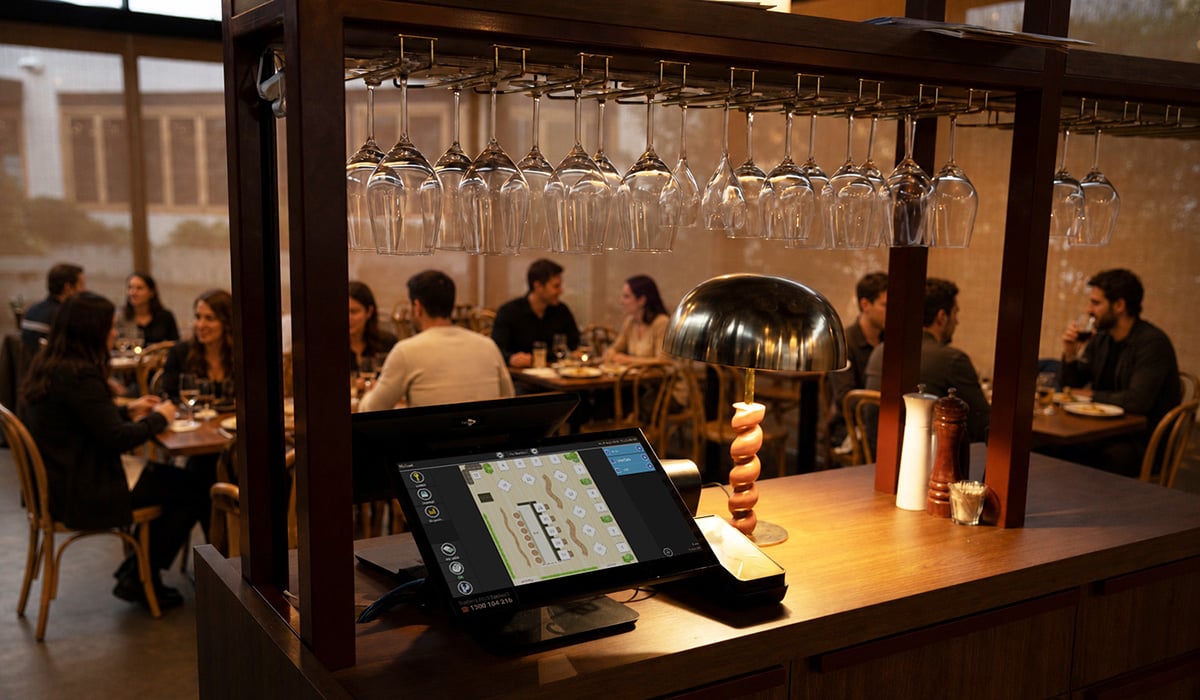
For restaurants and table service venues, table management helps you seat more guests and keep service on track. Look for floor plans with live table status, and integrations with booking platforms so reservations land straight on your floor plan.
Kitchen order management
Orders need to reach the kitchen quickly and accurately. PowerEPOS supports printer routing and Bistro Mode for counter service, and Triniteq KDS shows orders on kitchen screens. Because the KDS runs on your local network, it keeps working without internet as long as your local network is up.
Stock and inventory
Food and beverage stock is one of your biggest costs. PowerEPOS Stock adds recipe costing, stocktakes and wastage tracking to your POS. Read our guide on how to use your POS system for better inventory management.
Payment provider choice
Some POS systems tie you to one payment provider. PowerEPOS integrates with 20+ payment providers, and Triniteq doesn't charge transaction fees, so you choose the provider and rates that suit your venue.
Multi-site control
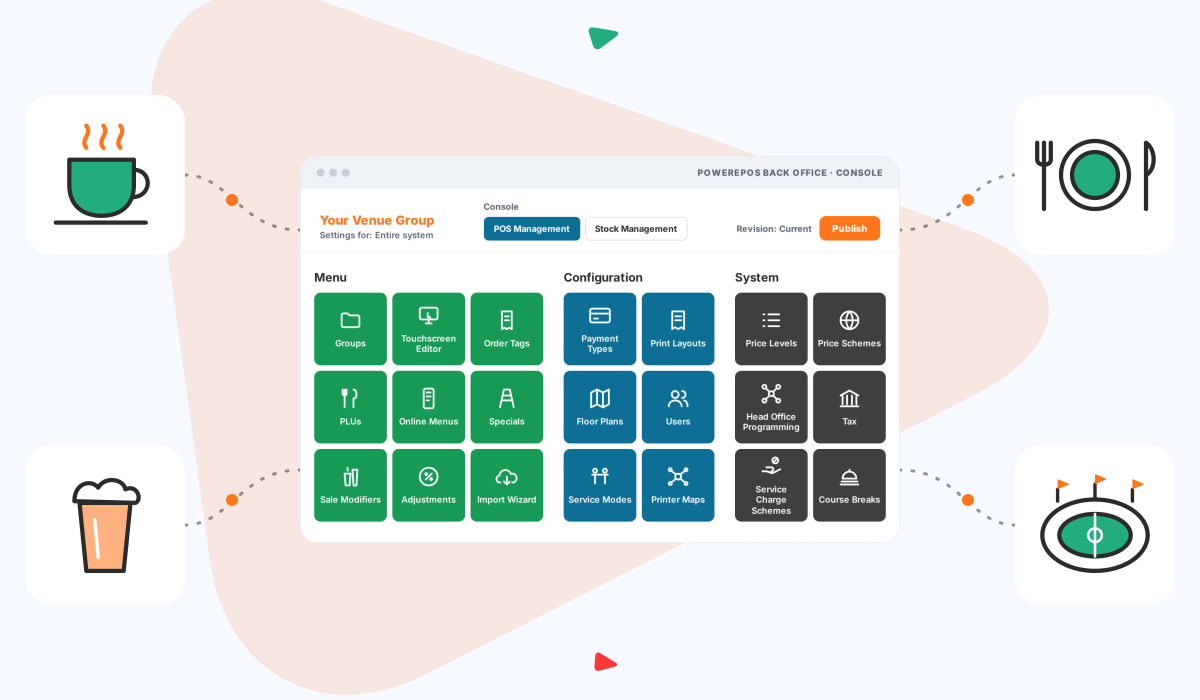
For groups, head office can change menus and prices once and send them to every site, while each site can still have its own menus and prices. One staff login works across sites. See our multi-site POS page.
Prepare your POS for peak periods
Christmas, school holidays, public holidays and big events bring more guests and more pressure on your team. A little preparation in your POS goes a long way.
- Schedule surcharges and promotions ahead of time. Set up public holiday surcharges, timed promotions and discounts in advance so they run automatically. Note that card surcharges are banned from 1 October 2026. Our surcharge ban webinar explains what's changed.
- Train staff before the rush. Training Mode lets staff practise orders and payments without sending them to the kitchen or affecting your reports. The PowerEPOS Training Centre has guides for new team members.
- Check your hardware. Make sure printers, cash drawers and terminals are ready, and order extra printer rolls before busy periods.
Choose the right POS partner
The provider behind your POS matters as much as the features. Triniteq was founded in Perth in 1997 and now supports hospitality venues nationwide. PowerEPOS is certified Australian Made.
Our Australian team handles setup, training and support during and after business hours. PowerEPOS runs in thousands of venues, from single cafés and restaurants to pubs, multi-site groups and stadiums.
Your POS features checklist
Use this list when you compare systems and book demos:
- Simple screens that new staff can learn quickly
- Customisable layouts, discounts, promotions and surcharges
- Upsell prompts such as follow pages and variations
- Fast order entry and payment during peak service
- Automated reporting on your phone and desktop
- Keeps processing orders when the internet drops
- Table management and booking integrations
- Kitchen printing, KDS and Bistro Mode
- Stock control with recipe costing
- A choice of payment providers, with no transaction fees from your POS provider
- Multi-site menu and price control
- Local Australian setup, training and support
Frequently asked questions
What features should a hospitality POS have?
Look for simple, customisable screens, fast order processing, automated reporting and a POS that keeps processing orders when the internet drops. Hospitality tools such as table management, kitchen order routing, upsell prompts and stock control matter too, along with a choice of payment providers and local support.
What is a cloud-hybrid POS?
A cloud-hybrid POS stores data locally on the POS and syncs it to the cloud. If the internet drops, PowerEPOS keeps processing orders, then sends the data to the cloud for live reporting once the connection is back.
Can I choose my own payment provider with PowerEPOS?
Yes. PowerEPOS integrates with 20+ payment providers, and Triniteq doesn't charge transaction fees. You choose the provider and rates that suit your venue.
How can my POS help during peak periods?
Schedule surcharges, promotions and discounts in advance so they run automatically, and train staff before busy periods using Training Mode, which lets them practise orders and payments without sending them to the kitchen or affecting reports.
Can PowerEPOS manage multiple venues?
Yes. Head office can change menus and prices once and send them to every site, while each site can still have its own menus and prices. One staff login works across sites, and new venues can be added by copying an existing setup.
Is PowerEPOS made in Australia?
Yes. PowerEPOS is certified Australian Made. Triniteq was founded in Perth in 1997 and now supports hospitality venues nationwide. Support is provided by our Australian-based team.
See PowerEPOS in your venue
The best way to check a POS is to see it with your own menu. Talk to our Australian team on 1300 784 666, book a demo or watch the demo video.
PowerEPOS is certified Australian Made, with support from our Australian team, no transaction fees from Triniteq and a choice of 20+ payment processors. From single cafés to stadiums, it's one platform for thousands of venues.


Related articles
WATCH NOW: Watch our webinar for the full breakdown, then read on for the key dates and ...
PowerEPOS is built as a cloud-hybrid POS, meaning it keeps taking orders and processing ...